
.webp)








Neighborhood Security Camera Systems: Best Practices for Your Community
Discover best practices for neighborhood security camera systems to deter crime and protect your community with confidence.

Neighborhood security camera systems are shared, centralized systems for observing activity at entrances and in common areas of a neighborhood. Communities and homeowners associations (HOAs) implement these systems to watch for unauthorized access via entrances and exits to the neighborhood and to discourage illegal activities.
While many residents will welcome additional security (especially in higher-end gated communities), some may have privacy concerns. So it’s important to take a community-led approach: communicate clearly with residents about what is and isn’t being recorded and how you’ll protect their privacy through optimized system design and camera placement.
This guide walks neighborhood leaders through the operational planning process: setup, optimization, and integration with modern technology. We’ll also touch on how to navigate legal concerns and questions about privacy.
Key takeaways
- Neighborhood security camera systems are a practical investment in community safety, helping deter crime, support law enforcement investigations, and give residents greater peace of mind.
- Thoughtful camera placement is essential; prioritizing entrances, shared amenities, and common areas while keeping private spaces like driveways, front doors, and windows out of frame goes a long way toward addressing privacy concerns.
- A community-led planning process, including resident input and a dedicated security committee, helps build trust and ensures the system reflects the neighborhood's actual needs and priorities.
- Costs can be managed through phased installations, HOA dues integration, vendor financing, municipal grants, and group purchasing arrangements with neighboring communities.
- Flock is an easy-to-deploy, cloud-hosted, infrastructure-free partner offering hardware, installation, software, and law enforcement collaboration support, all within a single connected ecosystem.
What neighborhood security systems include
A typical neighborhood security system includes at least three elements that work together to cover the neighborhood’s entrances, shared spaces, and perimeters:
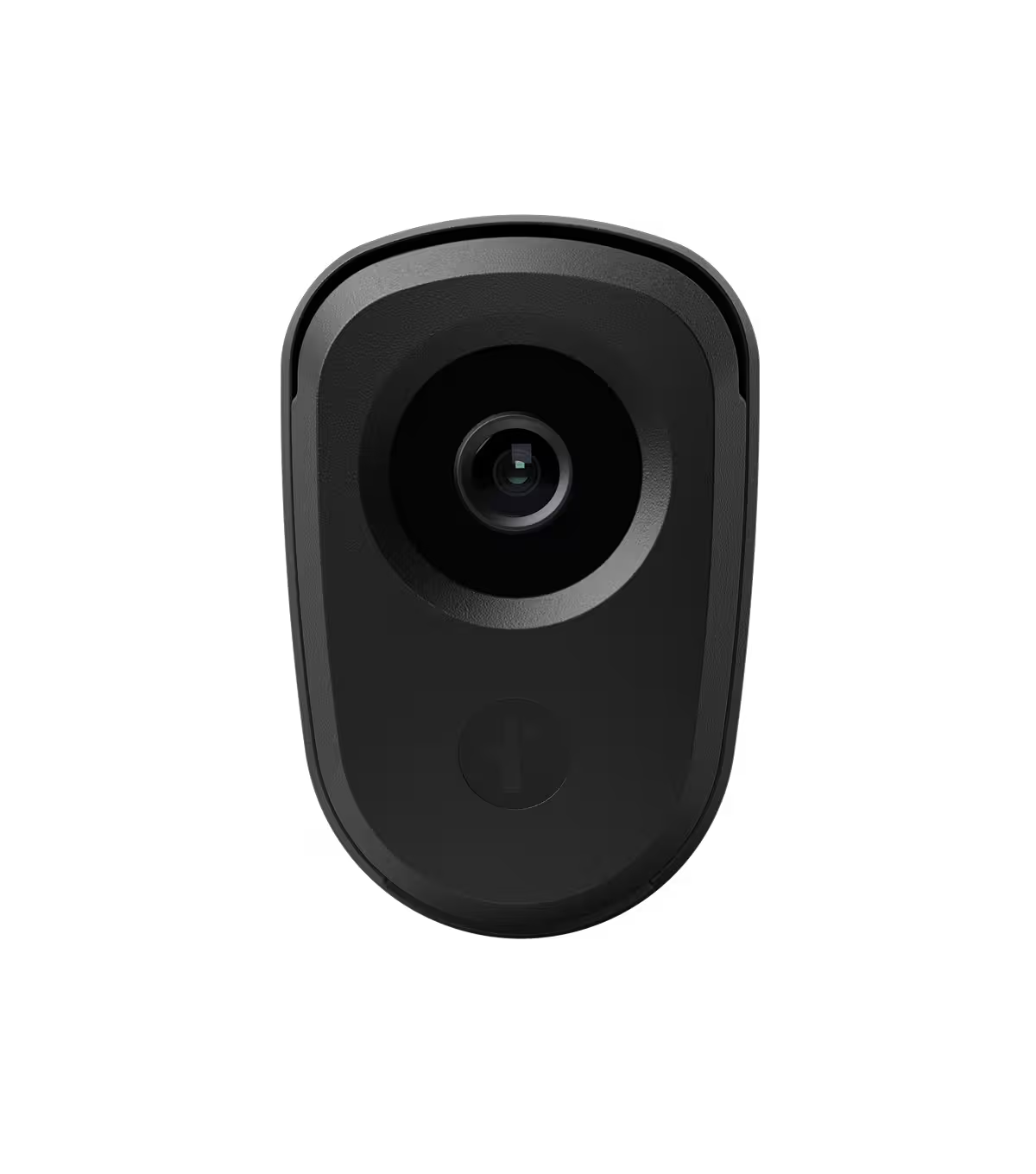
- Security cameras: Fixed cameras with set areas of coverage and focal length, pan-tilt-zoom cameras, wide-angle cameras
- Storage: Cloud-based, network video recorder (NVR)
- Oversight: Live feeds, alerts, remote oversight service
Depending on a community’s needs, neighborhood systems can integrate other technologies and tools as needed, such as license plate reader (LPR) cameras or mobile security trailers.
Modern cameras and systems are far more capable than old CCTV systems, offering higher resolution, better focus, more reliable storage, intelligent alerts, and remote viewing capabilities.
Why your community should install security cameras
Community security camera systems are a practical, operational investment that help discourage break-ins and vandalism. While home-related crimes have been trending downward, the FBI reported over 379,000 counts of larceny-theft and over 66,000 counts of burglary in December 2024 alone, so security continues to be top of mind for community leaders.
A few top benefits of security cameras for neighborhoods include:
- Crime deterrence: Obvious security systems discourage potential suspects, who often skip the locations where they find security cameras.
- Evidence collection: When incidents occur, clear images from a neighborhood system can aid law enforcement investigations.
- Community peace of mind: Residents may feel safer with visible security measures.
- Incident response: Sharing camera images with law enforcement agencies supports investigations related to incidents.
Common concerns and how to address them
The idea of recording people and property in the neighborhood can feel unsettling. However, you can resolve most concerns by clearly explaining what is and isn’t happening.
Here are real concerns that community leaders or residents may have and how to address them:
Privacy
Residents want the safety benefits of security systems, but not at the expense of their privacy. You can address most privacy concerns through appropriate camera placement. Many residents will welcome cameras at neighborhood entrances, especially in gated or private communities. They won’t be as welcoming of cameras that point toward their front doors or bedroom windows.
Place cameras so that they frame common areas where residents already expect to be seen (like the clubhouse, pool, or mailboxes), and ensure that homes, driveways, windows, and front doors aren’t in the frame.
Trust & transparency at Flock
Flock’s security solutions are designed with privacy in mind: no facial recognition, no personal data collection, and all image access is logged and reviewed. Your HOA owns all images and data, and only designated HOA users and admins can access it.
Law enforcement gains access only if your HOA opts in and shares specific evidence or enables real-time collaboration. Flock never sells data, and only authorized users can access your system's data and analytics.
Flock has helped thousands of U.S. neighborhoods improve security and reduce crime. Read four quick success stories.
Legal compliance
Recording in public areas is generally permissible in the U.S., but state and local guidelines vary. Check state and local ordinances for requirements about signage or notification, and consult a lawyer in your area to ensure compliance.
Installation and maintenance costs
Money is always a consideration, as installing a new security system will incur costs for the neighborhood. Prices for camera installation, live viewing services, ongoing maintenance, and secure image storage vary, so consider all potential fees before committing to a vendor or setup, including hardware, software, cloud storage, and internet access.
Phased installations can spread out the cost and expenses can roll into HOA dues. However, communicate early and often about increases in dues, as a sudden surprise increase can create friction with community members.
You may also be able to offset installation and maintenance costs by exploring vendor financing options, looking into applicable municipal grants in your area, and combining security efforts with neighboring communities for group purchasing discounts.
How to plan and install neighborhood cameras effectively
Installing neighborhood security cameras is an operational move that encompasses more than gadget shopping and comparing technical specs. Consider the following as you plan your installation rollout.
Define your goals and priorities
Why are you pursuing a neighborhood security camera system? What specifically do you want this system to do for the community?
Work with community members (potentially a security committee) to identify areas of concern or security issues they have. Reviewing recent disputes and incidents can identify patterns that need to be addressed more urgently.
Choose camera locations strategically
Walk through the neighborhood to identify the right locations for cameras and other tech. Note entrances to the neighborhood, shared amenities, and potentially overlooked places, like wooded areas. As you identify potential camera placement locations, make notes about specifics. Are there poles or structures where you can mount cameras, or will you need to build those as well?
Consider doing this walk twice, once during the day and again at night, as lighting conditions may affect hardware requirements.
Match equipment to each use case
- License plate reader cameras belong at entrances and gatehouses.
- Wide-angle or dome cameras capture larger spaces like parks, parking lots, or community centers.
- PTZ cameras are ideal for greater viewing control in areas with frequent incidents (but be mindful of privacy concerns).
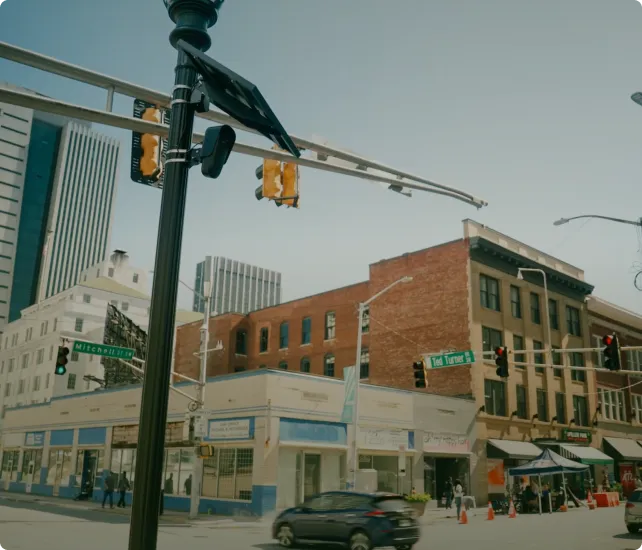
- Solar power and cellular connectivity should be options where wired cameras aren’t feasible.
Flexible solutions for safer neighborhoods: Explore Flock cameras and tech
Set up data access and storage policies
Who’s authorized to access images from neighborhood cameras? How long does your chosen system retain recordings? Establish official, regularly reviewed documentation covering who can access camera data and under what circumstances.
Keep in mind that not everyone needs full access or remote access to the community’s entire video database. You may want to consider creating multiple access tiers: one for the security committee, one for the HOA board, and one for residents.
What are special considerations for HOAs and gated communities?
Communities with formal governance structures may encounter additional challenges with residents or with their own governance policies. These strategies can help overcome obstacles you encounter:
- Understand unique needs: HOA communities often have additional amenities that need protection (pools, parks, playgrounds, etc.), and gated communities may have seasonal traffic patterns (like an influx of landscapers through the spring and summer months or heavy delivery truck traffic during the holidays) and stricter privacy expectations that may require coordination with your broader access control policies.
- Update governance documents: Existing neighborhood CC&Rs may contain outdated or contradictory language, or might not even reference cameras at all. Review your CC&R and modify or add language around video images, security, and related systems. Create clear policies for nonresidents (including delivery drivers, workers, and visitors) with documented protocols for denied entry.
- Use thoughtful placement for shared areas: Pool areas, clubhouses, playgrounds, mail clusters, and other shared spaces require careful balance. These are prime locations for cameras, but positioning should be respectful. Stick to truly public spaces and avoid areas that could compromise privacy (e.g., outdoor pool showers).
How to optimize cameras at neighborhood entrances
Most neighborhoods have a limited number of discrete vehicle entry and exit points. These are usually the highest-value use cases for security cameras and license plate reader cameras, making them an ideal place to start in a phased rollout.
To get the most value from cameras at community entrances:
- Use security cameras and LPR cameras to capture license plates, vehicle type, and make and model when possible.
- Ensure that camera areas have appropriate lighting (or low-light/night-vision tech) and that exposed hardware is rated for local weather conditions.
- Consider layering multiple views at entrances to capture more detail (e.g., head-on, wide-angle, LPR).
Protect your neighborhood with a smarter security camera approach
Well-designed neighborhood security systems are a powerful deterrent, and they support community safety. But keeping communities safe requires the right approach: thoughtful operational planning, modern tools, and buy-in from residents.
Starting with clear priorities guides your phased rollout, but partnering with a knowledgeable vendor ensures your security setup is aligned with your community’s unique needs and infrastructure.
Flock is that all-in-one partner, offering hardware, installation, software, and law enforcement collaboration support, all within a single connected ecosystem. Cloud-hosted and infrastructure-free, Flock’s solutions are easy to deploy and maintain, helping you maximize your community’s investment.
Learn more about how Flock can support your neighborhood with a phased security camera rollout.
FAQs
Can my HOA legally install security cameras in shared areas?
In most cases, yes, recording in public or shared areas is generally permissible under U.S. law. However, state and local regulations vary, and some jurisdictions require posted signage or advance resident notification. It's important to review your local ordinances before installation and consult a local attorney to confirm compliance. You should also revisit your HOA's CC&Rs to ensure existing governance documents reflect your new security policies, adding or updating language around video recording, data access, and related systems as needed.
How do we address residents who are concerned about their privacy?
Privacy concerns are common and valid, and they're best addressed through transparent communication and smart system design. Start by clearly explaining what the cameras will and won't record, and commit to keeping private spaces, including windows, front doors, and driveways, out of frame. It also helps to share that Flock's system uses no facial recognition and collects no personal data, all image access is logged and monitored, and your HOA owns all data with only authorized users able to access it. Holding a community meeting before installation gives residents a chance to ask questions and feel confident the system is being managed responsibly.
Who has access to images from a neighborhood security camera system?
Access should be carefully controlled and clearly documented from the start. Not everyone needs the same level of access; consider creating tiered permission levels for different groups, such as a security committee, the HOA board, and general residents. Flock's system logs all image access so you always know who viewed what and when. Law enforcement access is opt-in and limited to specific evidence sharing rather than open, ongoing access — your HOA controls what is shared and when. Regularly reviewing and updating your access policies helps ensure the system remains secure and trustworthy over time.
How much does a neighborhood security camera system typically cost?
Costs vary depending on the size of your neighborhood, the number of cameras needed, and the features you require, such as license plate reader cameras, cloud storage, live monitoring, or night vision. You'll want to account for hardware, installation, software licensing, cloud storage, and ongoing maintenance when comparing vendors. To manage expenses, many communities phase their rollout over time, folding costs into HOA dues incrementally. Additional options worth exploring include vendor financing plans, municipal or local government grants, and group purchasing arrangements with nearby communities to reduce per-unit costs.


Protect What Matters Most.
Discover how communities across the country are using Flock to reduce crime and build safer neighborhoods.