
.webp)






Natural-Language Video and License Plate Reader Evidence
Search video and license plate reader evidence using natural-language descriptions. Help authorized teams surface relevant leads faster with unified video search, configurable alerts, and built-in safeguards, without facial recognition.

Type What You Know. Find What You Need.
Reduce time spent reviewing footage with natural-language search across video and data from license plate reader cameras (LPRs), plus configurable alerts when a potentially relevant match appears.
Search across video and vehicle evidence in one workflow, without relying on preset filters or facial recognition.
Key Benefits of FreeForm
A Faster Way to Find Actionable Evidence
Turn Partial Details Into Leads
Start with a partial description and surface relevant evidence from video and LPR systems using plain-language search.
Accelerate Investigations and Security Response
Move from first report to first lead faster with tools that help teams surface relevant evidence for review.
Improve Team Efficiency
Help investigators, analysts, and security teams focus review time on the camera coverage most likely to matter.
How FreeForm Works
Designed to Help Teams Move Faster
FreeForm brings natural-language search, unified video and LPR workflows, permission-based shared camera access, and configurable alerts into one streamlined experience.
Search With Natural Language
Type what you’re looking for, such as “man in blue shirt and cowboy hat” or “dark SUV with rear bumper damage.”
Then review relevant visual matches across enabled video feeds, with vehicle results also available from LPR systems.
Video and LPR, All in One Place
Review person-related video search results from enabled video feeds alongside vehicle results from video and LPR systems in one interface.
Search Beyond Your Own Cameras
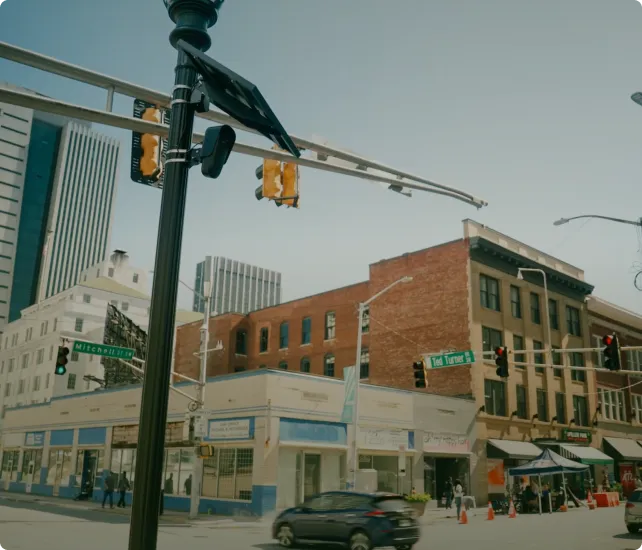
When authorized and where sharing is enabled, search shared camera footage from participating agencies, campuses, businesses, or neighboring properties to help identify leads across approved partner networks.
Get Alerts When a Relevant Match Appears
When alerts are enabled, authorized teams can receive notifications for potentially relevant matches so they can assess leads without having to watch every feed continuously.
Built for Every Role
From patrol response and investigations to GSOCs, RTCCs, retail asset protection, and enterprise security operations, FreeForm helps teams review evidence and coordinate next steps more efficiently.
Built-In Safeguards
Moderation tools, permission-based access controls, search history, and audit logs help agencies and organizations support responsible use and review searches when needed.
Available Features
- Natural-language search
- Unified video and LPR search interface
- Shared camera searches
- Real-time alerts
- FreeForm supports third-party video integrations depending on setup compatibility.
- FreeForm includes camera zone filtering.
- Built-in safeguards
- Search history and audit logs
Customer Quote
“Sometimes I could be looking through 6,000 Flock hits trying to find the car that matches exactly what I'm looking for — versus [with FreeForm] being able to click one button and have 3 cars pop up. It saves me so much time.”
Real-Time Information Center Operator, Elk Grove PD
FreeForm FAQ
How is FreeForm different from traditional video search tools?
Most video search tools rely on preset filters, such as vehicle color, vehicle type, clothing type, or timestamps. But investigations and security incidents often begin with incomplete information that doesn’t fit neatly into dropdown menus. FreeForm lets teams search using natural-language descriptions like: “woman in a black dress and cowboy hat”
to review relevant visual matches across video and LPR evidence in one workflow.
What kind of training is required?
FreeForm is designed for a short learning curve. Teams can typically get started with a brief walkthrough or demo.
Who can use FreeForm?
FreeForm is built for authorized users across:
- Law enforcement
- Investigations
- RTCCs
- GSOCs
- Retail Asset Protection
- Campus Security
- Healthcare security
- Enterprise security operation
It’s designed to support day-to-day workflows, investigations, real-time operations, and cross-team collaboration.
Does FreeForm people search use facial recognition?
No. FreeForm does not use facial recognition or biometric person recognition. Searches involving people are based on observable, non-biometric visual characteristics captured on enabled video cameras and video feeds, such as clothing and visible accessories. They are not designed to identify a specific person.
Will FreeForm work with our existing cameras and systems?
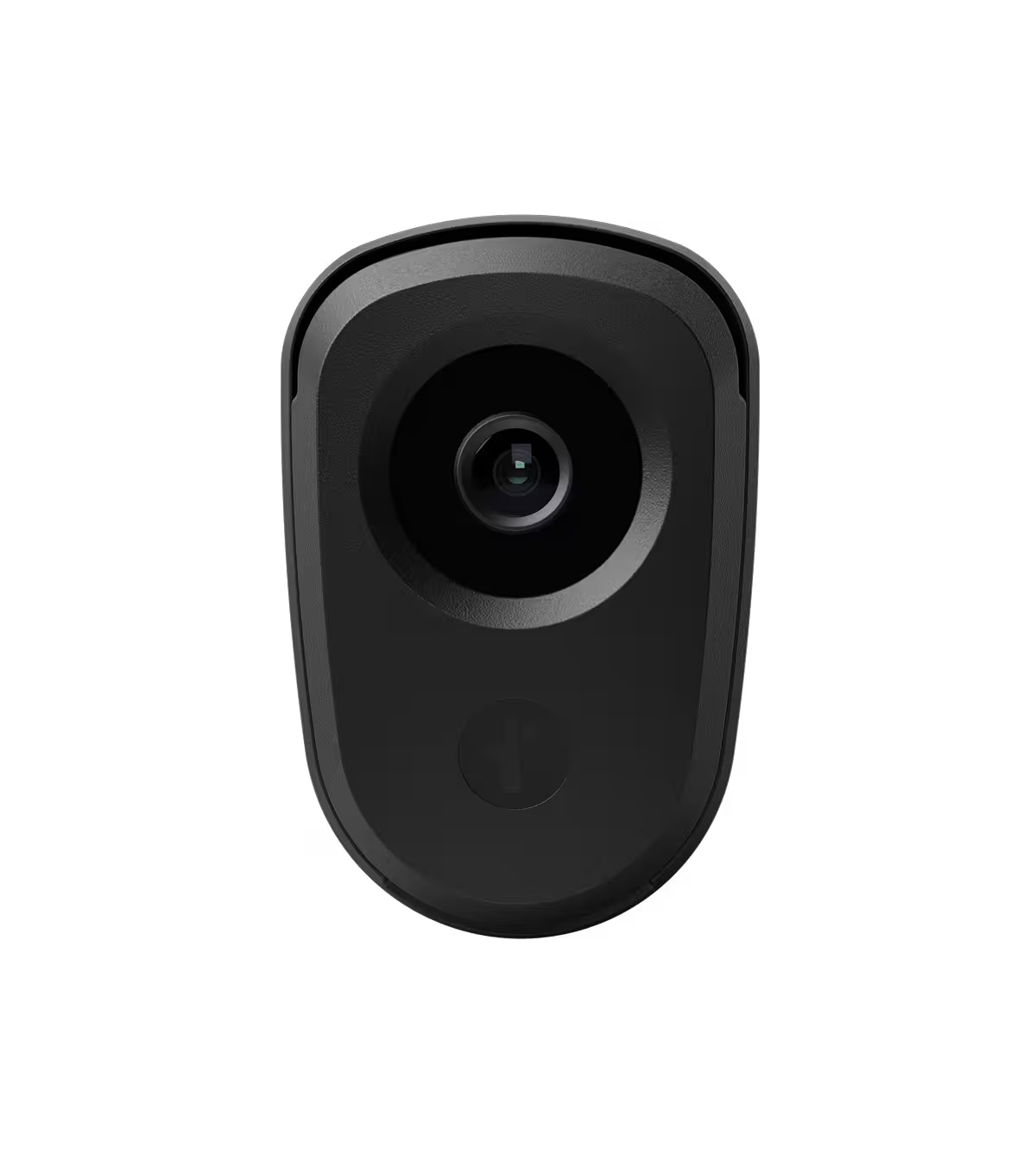
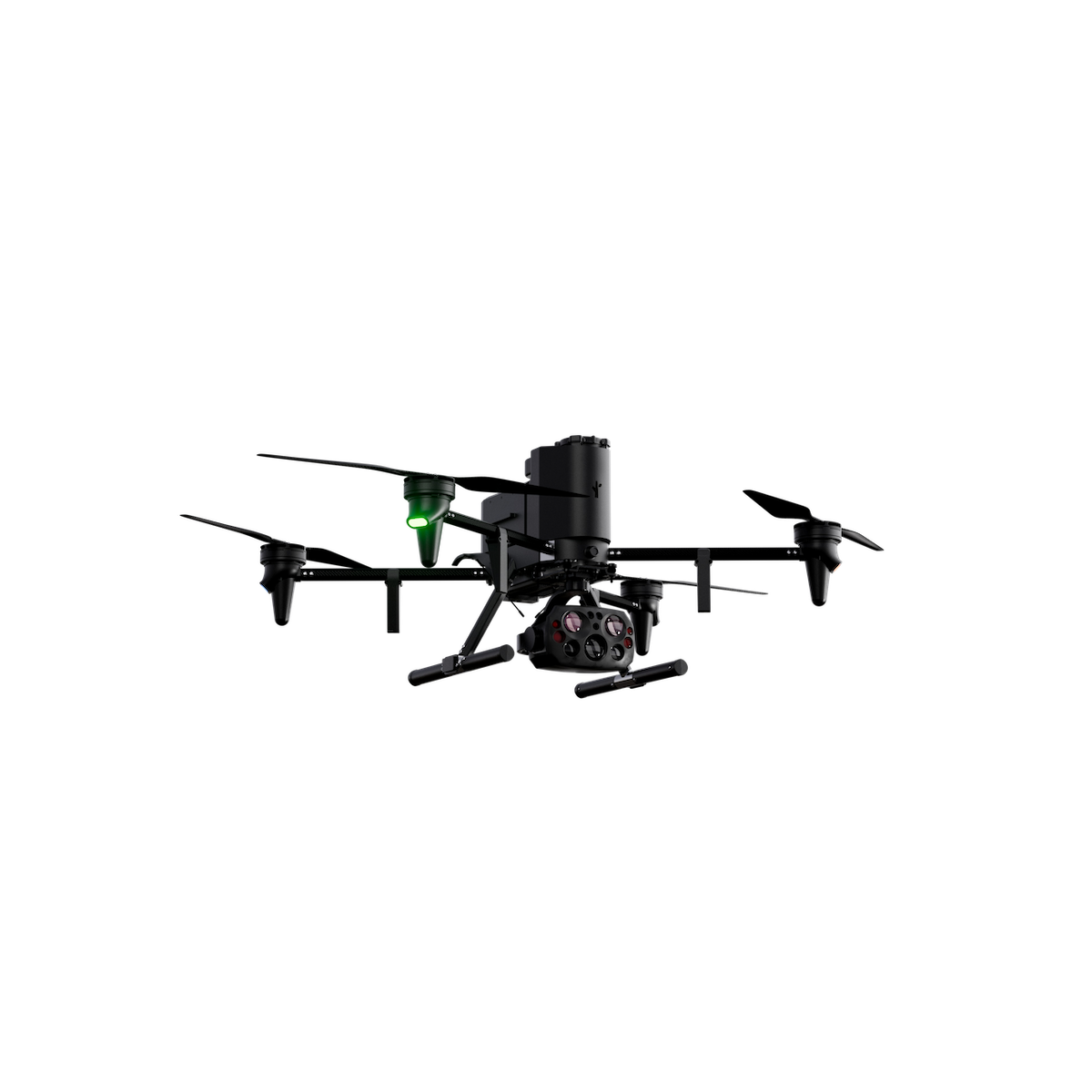
FreeForm works with:
- Flock LPR cameras
- Flock video cameras
- Shared Flock camera networks
- Compatible third-party video integrations are supported when setup compatibility requirements are met.
Availability depends on system setup and whether relevant cameras or video feeds are enabled for FreeForm features.
Can I search cameras outside my organization or jurisdiction?
Only when authorized. Organizations and agencies can request permission-based access to shared video footage and license plate reader data from participating partners where sharing is enabled and consistent with applicable policies.
Will people search work on LPR cameras?
No. People search and related alerts are only available on enabled video cameras and video feeds.


Protect What Matters Most.
Discover how communities across the country are using Flock to reduce crime and build safer neighborhoods.